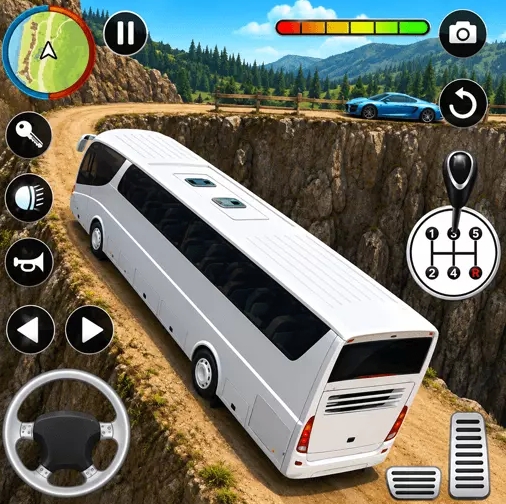
Phase 1: Warm-Up (5 min)
Run one easy route with a no-collision target. Focus only on steering smoothness.
Control high-speed passenger coaches through city blocks, open highways, and technical scenic segments. Pick up passengers from terminal points, protect ride stability, and close each mission with accurate drop-offs.
Run one easy route with a no-collision target. Focus only on steering smoothness.
Repeat technical segments and enforce two-phase braking before every turn or stop.
Complete one route end-to-end and log one mistake pattern plus one fix for next run.
Use a stable browser, close heavy background tabs, and keep frame pacing consistent. Smooth frame delivery is more important than max visual settings.
Start with medium sensitivity and wider touch separation for steering/brake areas. Reduce accidental taps before optimizing aggressive layouts.
The embedded game links directly to the Bus Simulator 3D play URL on the same domain, delivered through an iframe for seamless access.
Most late-run failures come from pace spikes after a small mistake. Reset rhythm for 10 seconds, then continue with safer lane timing.
Open the article hub for structured tracks: beginner stabilization, intermediate efficiency, and advanced precision control.