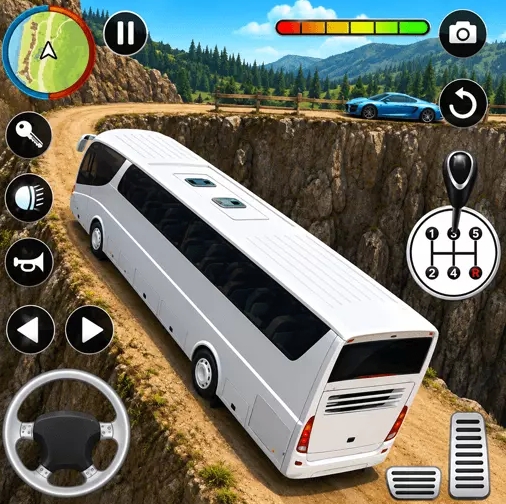
Input Delay Checklist: Quick Fixes for Sluggish Controls
Fast diagnostics for control lag on mobile and desktop play sessions.
Input delay feels like bad handling, but the cause is often technical. Use a short diagnostic flow before changing your driving style.
Check First
- Background app load and browser resource pressure.
- Network instability during embedded play.
- Device thermal throttling in longer sessions.
Fix Order
Stabilize device conditions first, then retest controls on a familiar route for clean comparison.
FAQ
Who is this guide for?
This article is written for all Bus Simulator 3D players who want practical, repeatable improvements.
What should I apply first from this page?
Start with one method only, test it for three runs, and keep it only if it improves consistency.
How do I track progress after reading this?
Use a short run log: route type, main mistake, one fix tested, and next-run result.
Related Reading
- Bus Simulator 3D Beginner Guide: First Runs Without Chaos
- Top 10 Crash Causes in Bus Simulator 3D and How to Remove Them
- 8 Control Rhythm Habits Every New Driver Should Build
Continue This Path
Previous In Guide
PC Optimization Guide: Browser, Resolution, and Frame Stability